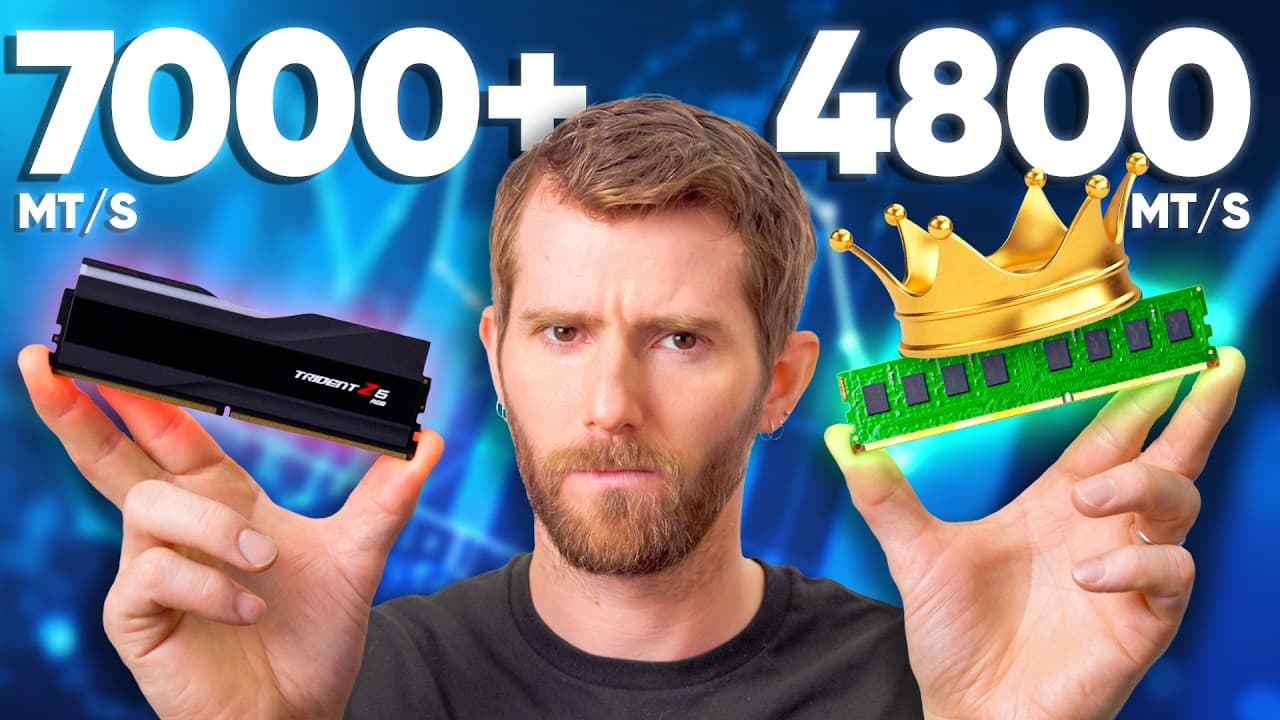
Linus Tech Tips Just Told Gamers Their Expensive RAM Is a Waste—Here's What the Data Shows
Linus Tech Tips tested DDR5 at eight different speeds across four CPUs — and found that gamers are probably overpaying by $200 to $300 for performance gains they'll never notice. Here's what the numbers actually say.
Linus Sebastian from Linus Tech Tips presenting RAM benchmark results on screen
Key Points
•Linus Tech Tips tested four CPUs (Intel 14900K, Core Ultra 285K, AMD 9800X3D, AMD 9950X) at eight DDR5 speeds from 4,800 to 8,400 MT/s — and found almost no gaming performance difference once you move past the slowest "JEDEC" speeds, especially at 1080p and 4K with ray tracing enabled. [1]
•AMD's X3D gaming processors are particularly immune to RAM speed: the 3D cache effectively masks memory latency, making DDR5-6000 CL30 the sweet spot and anything faster a waste of money for gamers on that platform. [1]
•The productivity story is more nuanced — code compile tests and specific professional workloads do show meaningful gains from faster, lower-latency RAM, meaning the right answer depends entirely on what you use your PC for. [1]
•With high-speed DDR5 kits commanding $200–$300 premiums over standard JEDEC kits, LTT's conclusion is direct: the math doesn't work for gamers right now, and won't until prices come down. [1]
The RAM industry just picked your pocket — and nobody told you
If you've built or upgraded a PC in the last year, you already know that DDR5 prices have climbed to painful heights. But here's the part that stings even more: a lot of people are paying a $200–$300 premium for high-speed "gaming" RAM that is, by the numbers, nearly useless for actual gaming.
Linus Tech Tips — the channel run by Linus Sebastian that's been publishing no-nonsense hardware breakdowns for over a decade — put out a video on February 26 that should be mandatory viewing for anyone about to hit "add to cart" on a premium DDR5 kit. [1] The setup was simple and thorough: four CPUs, eight DDR5 speed profiles, running from the slowest JEDEC-spec DDR5-4800 all the way up to DDR5-8400. Gaming benchmarks. Productivity benchmarks. 1080p and 4K. Geometric means across multiple game titles.
The conclusion? For most gamers, the expensive stuff is a waste.
LTT RAM benchmarks video still — DDR5 speed comparison results graph
What LTT actually tested — and why the methodology matters
One thing that separates LTT's approach from the typical "X vs. Y" RAM review is scope. Testing eight speed tiers on four CPUs means you're not just answering "is this kit better than that kit" — you're mapping the whole performance curve and asking where the curve flattens out.
The four CPUs covered the major bases: Intel's last-gen flagship (Core i9-14900K), Intel's current-gen chip (Core Ultra 285K), AMD's X3D gaming king (Ryzen 9 9800X3D), and AMD's high-core-count workstation option (Ryzen 9 9950X). [1] Testing across these platforms reveals that different architectures respond very differently to RAM speed — so the answer to "how much RAM speed do you need?" genuinely depends on what CPU you own.
The testing also required physically swapping the same memory kit across each platform rather than buying separate kits optimized for each CPU, which Linus noted "took forever." That's worth appreciating — it's the kind of controlled variable that makes the results actually comparable across platforms rather than confounded by kit-to-kit differences.
The gaming results: Intel and AMD tell different stories
On Intel's Core i9-14900K (Raptor Lake), RAM speed does make a meaningful difference — up to a point. Certain games like Ashes of the Singularity, Cyberpunk 2077, and Red Dead Redemption 2 showed clear scaling gains from faster memory at 1080p. If you already own a 14900K and can get high-speed DDR5 at a reasonable price, it's worth considering. [1]
But Intel's newer Core Ultra 285K platform told a different story. It couldn't even run the fastest 8,400 MT/s kit. And beyond that quirk, the performance gaps between speed tiers were small enough that Linus's verdict was blunt: "as long as you're using something that's faster than JEDEC, basically don't worry about it." [1]
On the AMD side, the 9800X3D — currently the best gaming CPU you can buy — was almost completely indifferent to RAM speed. AMD has publicly said their X3D chips are "super down to shack up with even the slowest memory," and LTT's data backed that up. [1] Yes, DDR5-6000 CL30 is still the sweet spot. Yes, DDR5-4800 sits in last place. But the gaps narrow to near-invisibility when you add ray tracing, increase graphical settings, or bump up to 4K resolution.
The 1% low frame rates — the metric that tells you how bad your worst moments are — showed "at most a handful of FPS difference across every game and resolution," enough that you'd never notice without an FPS counter on screen. [1]
When faster RAM actually earns its price tag
Here's where the honest nuance comes in, because LTT didn't tell everyone to buy the cheapest RAM available. The productivity benchmarks add important context.
Code compile tests on the 14900K showed a decent improvement with high-speed memory — enough that software developers and technical professionals who spend hours waiting on build times have a real argument for spending more. [1] Same with other specific productivity workloads: GDAU tests, certain rendering workloads, and memory-intensive professional applications did show measurable gains that could translate to real-time savings in a workday.
If your computer makes you money — if you're billing by the hour and your compile times directly affect your output — then faster, lower-latency RAM may pay for itself. The IT department cost-benefit calculation is different from the gamer's cost-benefit calculation. [1]
But here's the thing: the people buying $200-300 premium kits are overwhelmingly gamers. They're not the Blender renderer or the software developer on a corporate workstation budget. They're the person trying to maximize frame rates in Counter-Strike or Fortnite who got told by a YouTube ad that "gaming RAM" would make their experience noticeably better.
For those people, it won't.
The price math that breaks the whole argument
It's important to understand why LTT is making this argument now, because the channel hasn't historically been anti-premium-RAM. As Linus explained in the video: when the premium for faster memory was $20-30, a few percentage points of performance uplift was an easy "yes." Bang for the buck works when the bang is cheap. [1]
But the math changed completely when a higher-speed kit started costing $200-300 more than a baseline DDR5 kit. At that point, you're not buying 5% more performance for a small fee — you're paying several months of a Netflix subscription for gains that disappear the moment you turn on ray tracing or push your resolution past 1080p.
DDR5 pricing has been climbing thanks to memory market dynamics that have nothing to do with PC builders' gaming preferences, and the premium tiers have been hit hardest. The current DDR5 market, as Linus put it, is "extortionate pricing" — and he acknowledged that even budget JEDEC kits have been impacted by price increases. [1]
The silver lining for buyers on a tight budget: if you're primarily gaming, especially on an AMD X3D platform, you can buy the cheapest DDR5 kit that runs a tuned EXPO profile and trust that you're leaving almost no gaming performance on the table. Save the money now, and buy faster RAM later when prices normalize.
What this means if you're building right now
Linus wrapped the video with practical guidance broken down by who's watching. [1]
Gamers: Don't buy premium-speed kits at current prices. If high-speed memory happens to be on sale for a small premium, fine — but don't prioritize it over GPU budget, storage, or other components where you'll actually feel the difference. X3D users especially should not be paying a $200+ premium for RAM speed.
Intel platform users: You may see slightly more benefit from faster RAM than AMD users, particularly on older Raptor Lake chips and in specific demanding titles. But the 1% low improvements are marginal at typical gaming settings, and they shrink further as you increase detail levels.
Productivity users: The case for faster RAM is real but narrow. Identify specifically whether your bottleneck workloads (code compilation, certain rendering tasks, professional apps that work heavily in RAM) actually scale with memory bandwidth and latency before spending. General office work, video streaming, and casual productivity do not benefit meaningfully.
Cottage industry professionals and at-home developers: LTT acknowledged these are the people who got genuinely unlucky with current pricing. You may need faster, more RAM for your work — and the timing is rough. The advice: buy slower and cheaper now, save the cost delta, and upgrade when the bubble pops.
LTT also mentioned a companion article on LTTABS.com that goes deeper on the business use case breakdown, which is worth checking if you're trying to make a specific professional purchasing decision.
The bigger picture: who does the "gaming RAM" marketing actually serve?
There's a question underneath this video that LTT didn't need to say explicitly: why is premium-speed RAM so aggressively marketed to gamers when the data consistently shows minimal gaming returns?
The answer isn't complicated. RAM manufacturers and their retail partners make significantly more margin on premium-tier kits. RGB lighting, stylized heat spreaders, and large "MT/s" numbers sell easily to an audience that learned to equate higher specs with better performance. Reviewers used to recommend premium kits during a period when the cost premium was modest — and that recommendation calculus hasn't been updated publicly as prices climbed.
LTT's video is a data-driven correction to a persistent marketing narrative. The benchmarks don't care about RGB. The 1% lows don't care about heat spreader design. And at 4K with ray tracing, even the most aggressive DDR5 kit barely shows up in the frame time graphs.
Credit where it's due: Linus Sebastian and the team at Linus Tech Tips put in the work — four CPUs, eight speed profiles, gaming and productivity, multiple resolutions — to give PC builders a clear picture of where their money actually matters. Watch the video, share it with your friends who are about to spec out a build, and maybe save them a couple hundred bucks in the process. [1]