
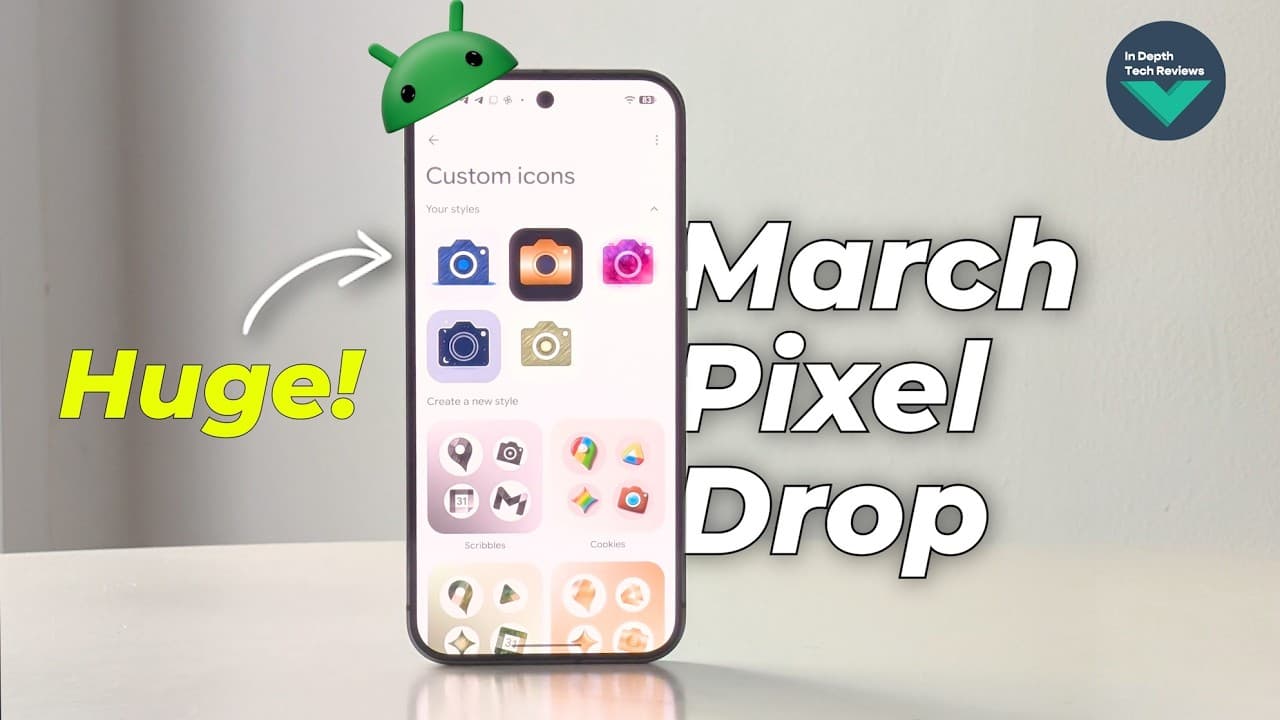
Google dropped its March 2026 Pixel Drop this week and tech YouTube went straight for the shiny stuff. The redesigned Now Playing app. The AI icon packs. The new home screen animations. All of it genuinely cool [1]. But I kept coming back to one sentence buried in the Pixel 10 section of the changelog: "Let Gemini handle your busy work — from ordering groceries to booking a ride share service to reordering your usual coffee. Gemini works with your apps in the background to complete everyday tasks." That's not a quality-of-life update. That's Google shipping agentic AI to consumer hardware.
The Feature Nobody's Screaming About
Here's what Gemini's background task execution actually means in practice. You're texting a friend. Gemini sees the conversation, recognizes you're trying to figure out where to order lunch, and can quietly open your delivery app, place the order you usually get, and confirm it — without you switching apps. You get a live notification showing what it's doing, with the option to view or cancel at any point [1]. For anyone who's been watching the AI agent space — AutoGPT, Claude's computer use, OpenAI Operator — this is exactly that pattern, now shipped as a native phone feature on consumer hardware. Not a research demo. Not a paid enterprise add-on. A beta feature on a $1,000 phone you can buy at Best Buy. Yes, it's Pixel 10 exclusive. Yes, it's beta. But Google just validated the entire "AI agent on your phone" use case by shipping it. The developers paying attention are already thinking about what app surfaces need to change to support this interaction model. If Gemini can execute tasks inside your app without the user lifting a finger, how do you design for that? How do you handle auth flows? Error states? Confirmation patterns? The UX questions are brand new.