Full PC Games on Your Phone: Android Emulation Hit a Tipping Point in 2026
Android phones are now running Spider-Man, Cyberpunk 2077, and GTA V through real local emulation — not cloud gaming. Thanks to Snapdragon chips and tools like GameHub and Winlator, your phone just became a pocket gaming PC.
•Android phones with Snapdragon 8 Elite chips are running full AAA PC games like Spider-Man Remastered, Cyberpunk 2077, and GTA V through local emulation — no cloud streaming involved.
•Emulators like GameHub and Winlator use Valve's Proton compatibility layer and FEX to translate x86 Windows code into ARM instructions in real time.
•GameHub is available on the Google Play Store with built-in Steam integration, making setup dramatically easier than earlier emulation efforts.
•Performance ranges from 30-60 FPS at 720p depending on the title and device, with the Snapdragon 8 Elite Gen 5 delivering meaningful improvements over its predecessor.
•This isn't perfect yet — you need flagship hardware, good cooling, and battery life takes a hit — but it's crossed the threshold from tech demo to genuinely playable.
Your Phone Is a Gaming PC Now
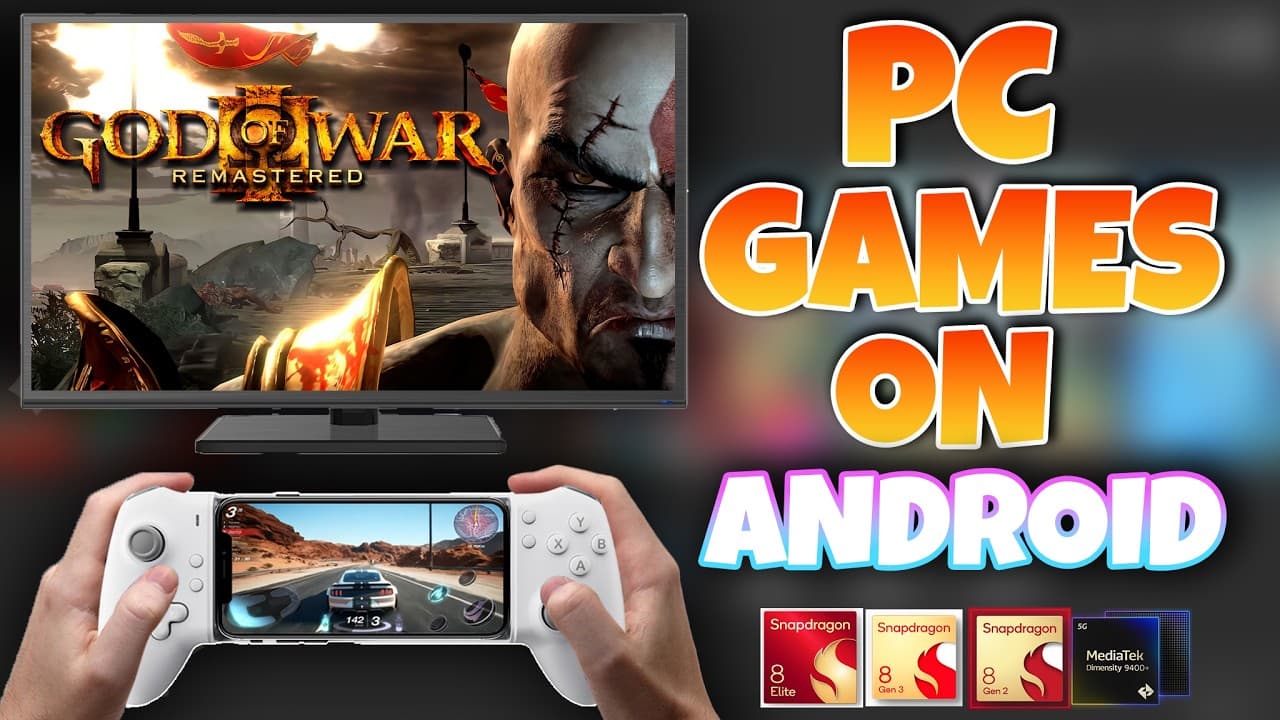
Here's something that would've sounded completely unhinged two years ago: people are running Spider-Man Remastered on their Android phones. Not streaming it from a cloud server. Not mirroring from a PC. Actually running the game, locally, on a Snapdragon processor. And it's smooth.
This isn't one of those "look, it booted!" tech demos that get everyone excited for five seconds. A Reddit user recently posted footage of Black Myth: Wukong running on a Snapdragon 7 Plus Gen 3 device — a mid-range phone — and the game was fully playable [1]. That's a game many PCs struggle with. On a phone. In your pocket.
Android emulation has been around forever, sure. But it was always about retro stuff — PSP, PS2, maybe Nintendo Switch if you had patience and a beefy device. In 2026, something shifted [1]. The combination of powerful-enough ARM chips and dramatically improved translation layers has pushed Android emulation past a tipping point. We're not talking about console emulation anymore. We're talking about full Windows PC games.
GameHub and Winlator emulators translating x86 Windows games to run on ARM-based Android phones.
Let me put my dev hat on for a second, because the technical achievement here is genuinely impressive. PC games are built for x86 processors running Windows. Your phone has an ARM processor running Android. These are fundamentally different instruction sets — it's like trying to read a book written in a language your brain doesn't speak. What emulators like GameHub and Winlator do is translate in real time.
The magic happens through a stack of open-source tools. Wine provides the Windows compatibility layer — it tricks programs into thinking they're running on Windows. Box64 and FEX handle the heavy lifting of translating x86 instructions to ARM64. Valve's Proton adds the gaming-specific sauce, translating DirectX graphics calls through DXVK and VKD3D into Vulkan — the graphics API that mobile GPUs actually understand.
If that sounds like a lot of layers, it is. The fact that it works at playable frame rates is a testament to how far both the hardware and the translation software have come. A few years ago, each of these layers added so much overhead that anything demanding was a slideshow. Now? Games are hitting 30-60 FPS.
Real Performance Numbers — Not Just Hype
Let's talk specifics, because the benchmarks are what make this feel real rather than aspirational. ETA Prime tested several games on the Red Magic 11 Pro (Snapdragon 8 Elite Gen 5, 16GB RAM) and the results are striking [2]. Spider-Man Remastered runs at a locked 30 FPS at 720p on low settings. The Witcher 3 (DX9) holds 60 FPS locked. Cyberpunk 2077 pushes past 60 FPS with frame generation enabled. Fallout 4 hits a continuous 60 FPS — something ETA Prime says he'd never achieved on any previous Android device.
On the AYN Odin 3 handheld (Snapdragon 8 Elite, 16GB RAM), lighter titles like Left 4 Dead 2 run at a solid 60 FPS with no drops. GTA V on the Lenovo Y700 tablet hits 40+ FPS at 720p normal settings [3].
Pro Warriors ran a comprehensive emulator test across the Snapdragon 8 Elite Gen 5 and found that PC gaming via GameHub "feels surprisingly close to low-end PC gaming on a desktop" with lighter and moderately demanding games [4]. GameHub generally edges out Winlator in smoothness and input lag, though Winlator's community forks — especially the Ludashi v2.9 build — deliver more stable frame rates.
The GameHub Factor — Why This Time Is Different
Previous Android emulation waves died because setup was a nightmare. You needed to hunt down APKs, configure drivers manually, tweak Wine settings, and pray your phone's GPU was supported. Most people gave up before they ever played a game.
GameHub changed that equation. It's on the Google Play Store. You install it. You log into Steam. You download your games. You play. That's... basically it. Under the hood, GameHub bundles Proton and FEX together with pre-configured driver settings optimized for common Snapdragon chips. It handles the complexity so you don't have to. Tom's Hardware noted that GameHub "requires no serious tinkering behind the scenes and comes with all the emulators needed to run PC games on Android" [3].
For tinkerers who want more control, Winlator and its forks (Ludashi, Bionic, GlibC builds) offer granular settings for resolution, graphics drivers, DX wrappers, and CPU core affinity. Creative GamerZ's setup guide for Winlator Ludashi v2.9 walks through everything from Turnip driver selection to DXVK async caching [5]. There's also Mobox (built on Termux) and MiceWine for users who want alternative approaches.
The point is: there's now a spectrum from "one-click easy" to "maximum control," which is exactly what a maturing platform looks like.
The Catch — Because There's Always a Catch
Before you throw away your gaming PC, let me pump the brakes slightly. You need flagship hardware. The meaningful benchmarks are all running on Snapdragon 8 Elite or 8 Elite Gen 5 devices with 12-16GB RAM. That's phones like the Red Magic 11 Pro ($850-950), AYN Odin 3 ($450), or Lenovo Y700 Gen 4 ($430-460). You're not getting Spider-Man on a budget Pixel.
Thermal throttling is real. Creative GamerZ noted that extended gaming sessions cause significant heat buildup, especially with performance-focused builds like Winlator Ludashi [5]. Active cooling (like the Red Magic 11 Pro's built-in fan) helps, but you can still feel it. Battery drain is aggressive — running x86 translation at full tilt is computationally expensive. Don't expect your usual all-day battery life during gaming sessions.
Not every game works. Compatibility varies by emulator version, driver, and game. Some titles need specific DirectX wrapper configurations. Others crash on certain GPU drivers. The community maintains "tested games" lists, but it's still a bit of a gamble with newer titles. Resolution is capped — most playable games are running at 720p or lower. 1080p is possible on lighter titles but not for AAA games, at least not yet.
What This Means for the Future of Gaming
Here's where I'll actually take a stand: this is the most exciting thing happening in gaming hardware right now, and most people don't even know about it. Think about the trajectory. Snapdragon chips get meaningfully faster every generation. GPU performance climbs. AI cores improve. Translation layers get optimized. The YouTuber Histransform put it perfectly: "Imagine Snapdragon 8 Elite Gen 6 or Gen 7. Imagine 1080p stable 60fps for most PC games" [6].
We're watching the same arc that happened with laptops replacing desktops, then handhelds like the Steam Deck creating a new category entirely. Your phone — the device you already carry everywhere — is becoming a legitimate gaming platform for real games. Not mobile games with predatory microtransactions. Actual games.
ETA Prime demonstrated the Red Magic 11 Pro running in "console mode" — docked to a monitor with a controller — playing Fallout 4 and Spider-Man Remastered [2]. At that point, what's the difference between a phone and a dedicated gaming console?
The craziest part? This is happening without any marketing push. No company is running ads saying "your phone is now a gaming PC." It's grassroots — enthusiasts, open-source developers, and YouTube creators pushing the boundaries and sharing their results. The community around Winlator alone has spawned multiple active forks, driver packs, and optimization guides [7].
As someone who's built software and knows what goes into these translation layers, the engineering achievement is remarkable. We've gone from "impossible" to "playable" to "genuinely good" in roughly 18 months. And the gap between "phone gaming" and "PC gaming" is closing faster than anyone predicted.